What is Tracking?

Create efficiencies in your Control Room and improve work planning.

Add Tracking to your software to enable you to track your fleet of vehicles and drivers at all times in real-time.

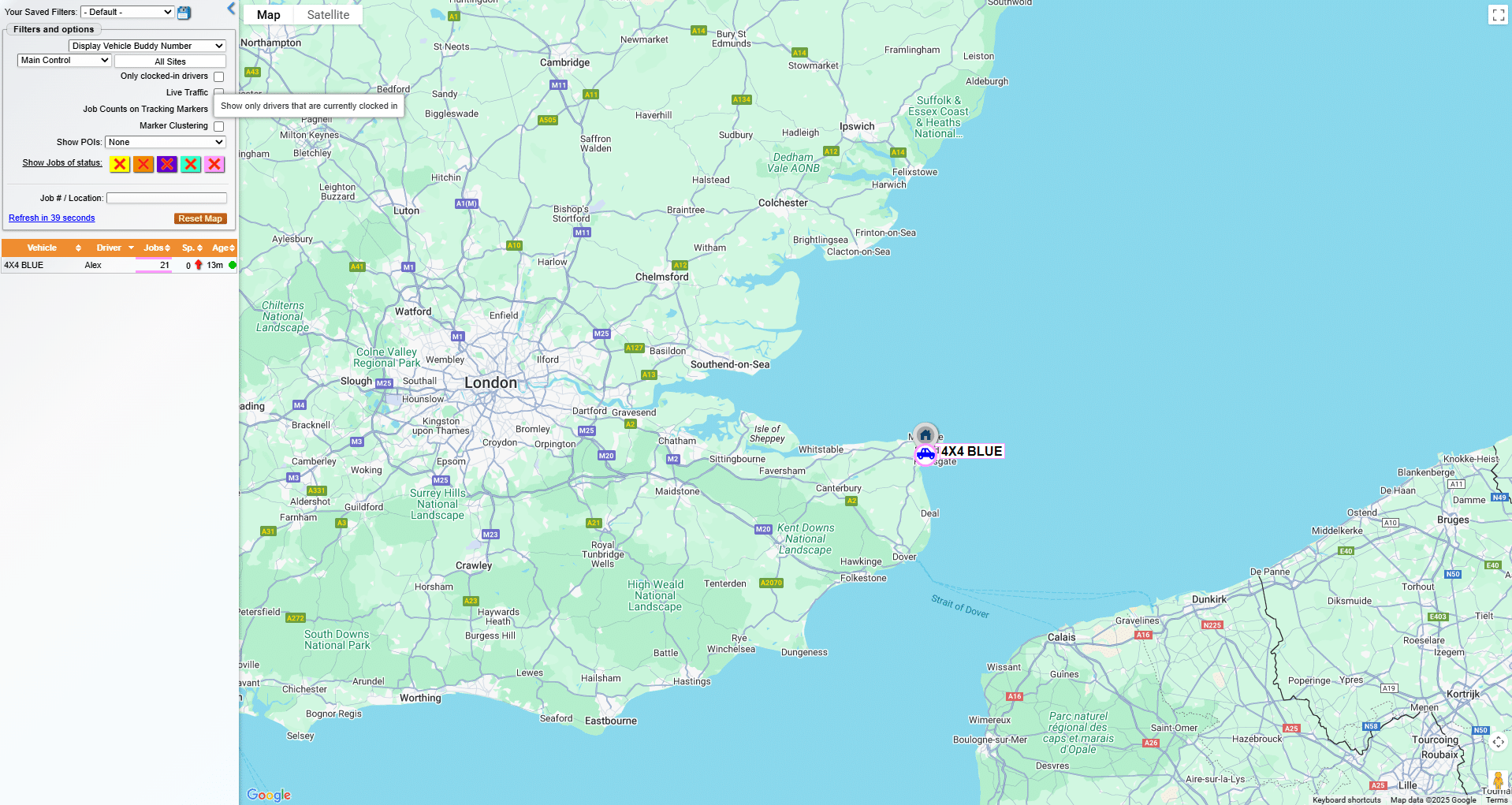
This allows fleet managers and control room operators to monitor the real-time and accurate location of vehicles, track their movements, and gather valuable insights about their fleet’s performance and efficiency.

Our system uses GPS technology to track each vehicle in the fleet, allowing for real-time updates on each vehicle’s location, speed, and direction of travel. This information, including an integrated mapping feature, can be viewed on a centralised control room dashboard, providing a comprehensive overview of the entire fleet at a glance.

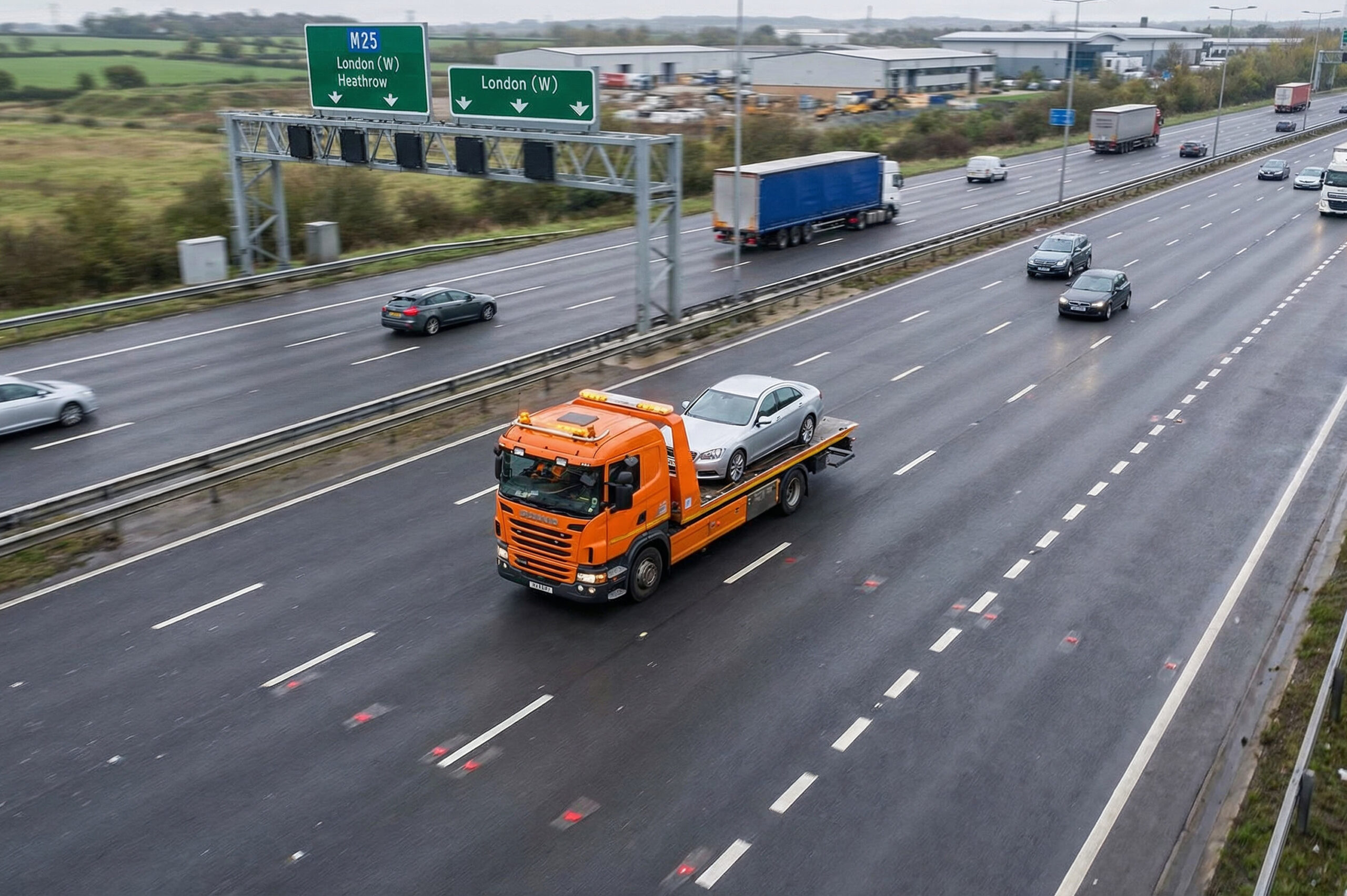
An image of a busy motorway in the UK
An image showing a person using a tablet by the roadside

Tracking on your PDA's will show your vehicles in your control room

In addition to location data, our system can also provide status updates for each vehicle.

This could include information such as whether the vehicle is currently in use, the job it is assigned to, its estimated arrival time at its destination, and more.

Tracking can assist in optimising resource allocation, as dispatchers can easily see which vehicles are currently available and which are in use.

You can add this app to your account via your Customer Self Service Portal

Simply follow the steps below or watch the video to find out how:

  • Step 1 – Login to your CSSP
  • Step 2 – Go to the menu on the left hand side and select RMS
  • Step 3 – Go to the Licenses section
  • Step 4 – Go to the item Tracking Licenses and click amend, click the number of licenses required and click update
  • Step 5 – Check the box and then click on confirm

See how Apex fits your operation

Whether you run one truck or a national fleet, we’ll walk you through the platform, show you how it fits your operation, and answer any questions