See how Apex RMS runs your operation, from callout to invoice. See Apex RMS in action.

Book a demo

Job Dispatch: every callout assigned, accepted and logged in one place

Send and receive jobs through the Apex app, with every update logged as it happens.

The phone rings, a work provider emails a job over, and a driver is calling in to say they’ve finished at the last one. Meanwhile, the details for the next callout are on a notepad, a whiteboard, or in someone’s head.

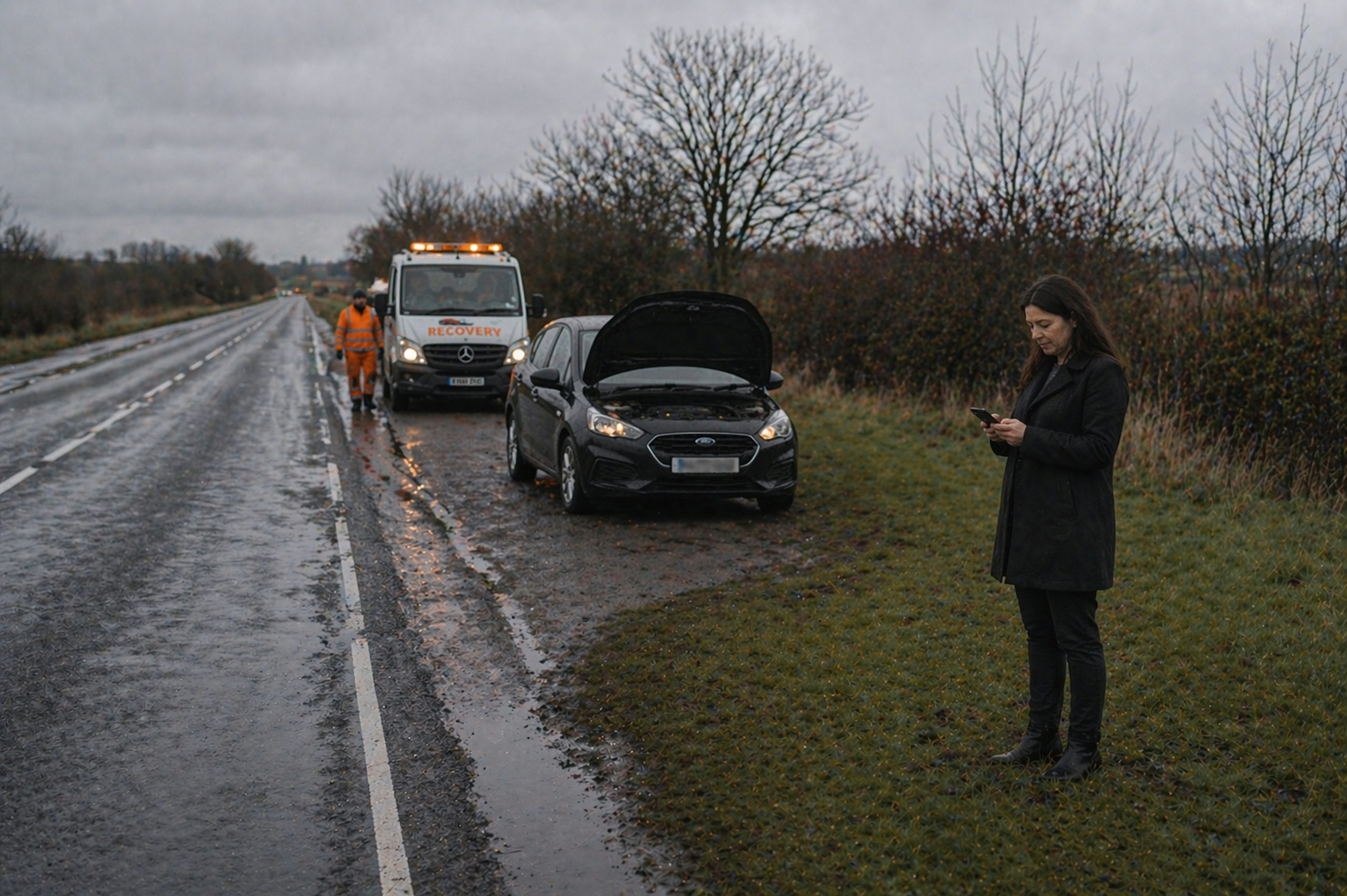
Every time a job is passed on by phone or text, there’s a chance the reg is wrong, the address is missed, or the driver arrives without knowing what they’re recovering. Job Dispatch in Apex RMS fixes that – every job in one place, sent straight to your driver’s app the moment it’s assigned.

  • Jobs from work providers and your own customers land in one dispatch screen
  • Drivers accept jobs and update their status from the Apex app – no calls back to control
  • Photos, videos, and customer signatures are captured on the job, not on paper

How it works

When a job comes in (from a work provider, a direct customer, or your own team), your controller logs it in Apex RMS and assigns it to a driver. The job lands on that driver’s phone immediately, complete with the customer’s details, vehicle information, and any notes added at the point of intake.

As the job progresses, the driver updates their status from the app: en route, on scene, clear. Every update is timestamped and logged automatically. Your controller has a live picture of every job on the board – no chasing, no guesswork.

Get started

Job Dispatch is built into Apex RMS, no separate setup needed. If you’re already on RMS, it’s ready to use.

See it in action with your own job types.