See how Apex RMS runs your operation, from callout to invoice. See Apex RMS in action.

Book a demo

Tracking: know where every vehicle is, right now

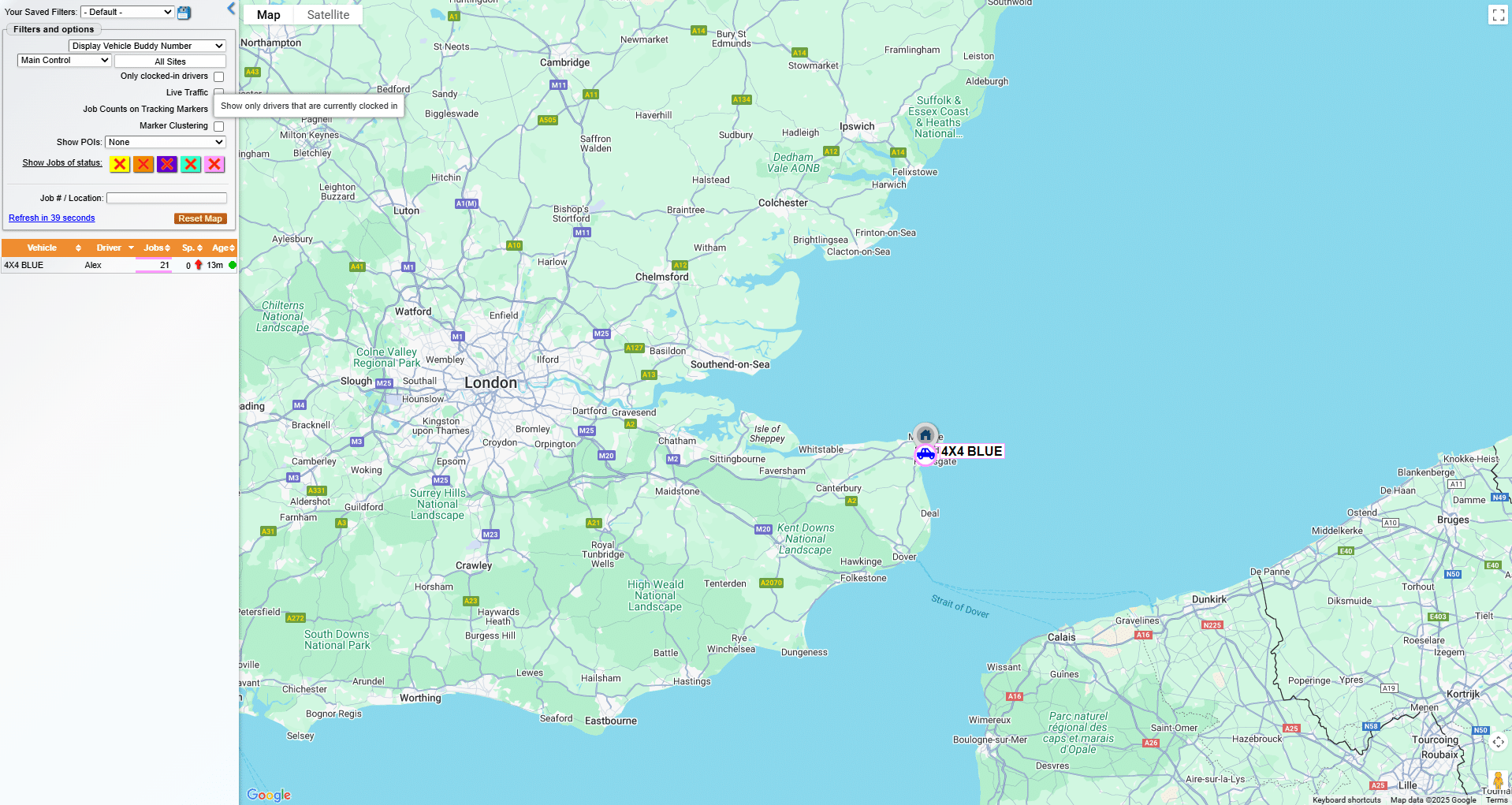
Live GPS tracking, built into Apex RMS.

See your whole fleet at a glance.

When a job comes in, your controller needs to know which vehicle is closest, which is available, and which is already committed. Without live tracking, that means radio calls, guesswork, and delays.

Apex RMS tracking puts every vehicle on a live map in your control room – updated in real time, with speed, direction, and job status visible at a glance. No more chasing drivers for updates. No more sending the wrong truck to the wrong job.

How it works

Every vehicle fitted with the Apex tracking unit appears on your control room dashboard the moment it moves. Your dispatcher can see current location, live status, and assigned job – all from one screen.

As jobs are assigned and updated in RMS, the map updates automatically. Nearest available vehicle to a new callout? Your controller can see it in seconds.

Tracking also feeds into your reporting – journey history, time on scene, and vehicle utilisation data are all logged automatically, giving you the insight to run a tighter, more efficient operation.

Get started

Adding tracking to your account

Tracking is available as a licence add-on through your Customer Portal.

  1. Log in to your Customer Portal
  2. Select RMS from the left-hand menu
  3. Go to Licences
  4. Find Tracking Licences, click Amend, select the number of licences you need and click Update
  5. Tick the confirmation box and click Confirm